


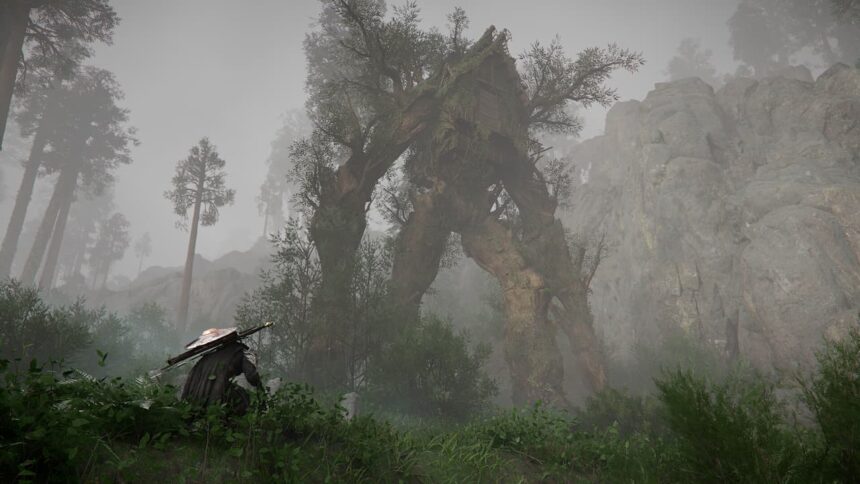
After much waiting, Crimson Desert is finally out, and the game is already winning over hearts. The game’s considered a visual masterpiece, and it’s no surprise why. However, with the PS5 quickly nearing the end of its lifespan, some players may wonder what the best settings are for Crimson Desert.
Fortunately, finding the Crimson Desert’s best settings for the PS5 is pretty straightforward. Whether you’re playing on the base version or the pro, just a little tweaking with the settings can greatly amplify your experience.
What Crimson Desert Settings to Change on the PS5?
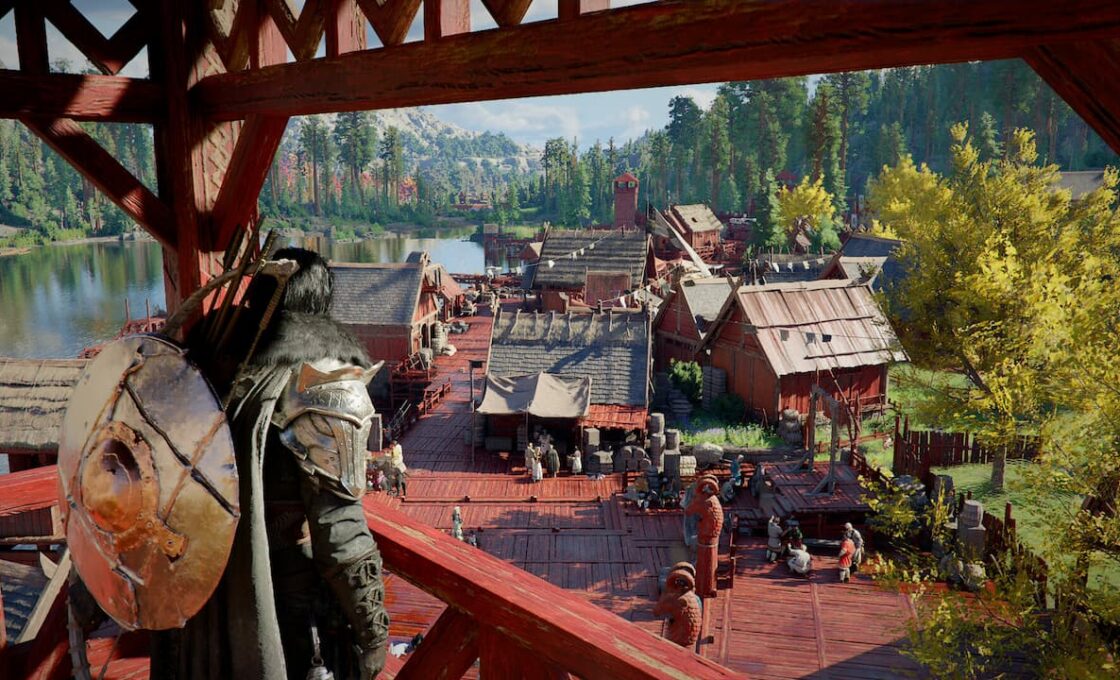
Changing the settings of any game on a PS5 is much simpler than on a PC. This is primarily because games are usually optimized with the platform in mind. However, that doesn’t mean that every game runs perfectly.
Case in point, Crimson Desert struggles to run properly on the base PS5, which could cause some annoyance. By contrast, those playing on the PS5 Pro likely won’t have to change too many settings, since the console is more than powerful enough to reliably run this game.
If you’re playing Crimson Desert on the base PS5, then we recommend that you tweak the following settings:
- Graphics Mode: Balanced
- V-Sync: On
- HDR: Off (unless you have a proper HDR TV like OLED or FALD)
- Contrast: Around 50
- Brightness: Adjust to preference
If you notice stutters, then don’t be afraid to lower shadows, since that’s what mostly impacts the FPS. Of course, you can go for performance mode to bump up your FPS even more, but it isn’t recommended. The graphical hit is very obvious, which is why balanced mode is more recommended. This mode aims for 40 FPS while balancing performance with good visual quality.
How to Fix Blurry Graphics on Crimson Desert on the PS5?
Crimson Desert has a known bug where the game drops to a lower internal resolution on the PS5. Funnily enough, this only happens if 120Hz is enabled, so the logical fix for this is to just disable it. To do this, follow the steps below:
- Go to your PS5’s settings
- Interact with the Screen & Video option
- Go to Video Output
- Finally, set 120 Hz Output to off
Paired with the rest of the options that we gave you, this should be more than enough to deliver an awesome experience for you. Crimson Desert’s performance on the base PS5 may leave much to be desired. But that doesn’t mean that the game can’t run well on it, especially with the improvements post-release patches have made.


