

By using this site, you agree to the Privacy Policy and Terms of Use.
Accept
PS5 Home - The Home of PS5PS5 Home - The Home of PS5
  • Editorials
    EditorialsShow More
    5 Ways Cybercriminals and Scammers Are Using The GTA VI Hype
    6 Min Read
    Biggest Crypto Casino Wins
    5 Min Read
    A Closer Look at Gaming Mouse Pads Built for Precision and Speed
    5 Min Read
    Football Games Are Becoming More Tactical Than Ever
    5 Min Read
    Microsoft Flight Simulator 24 gameplay
    Best Simulator Games on the PS5
    5 Min Read
  • Games
    GamesShow More
    5 Ways Cybercriminals and Scammers Are Using The GTA VI Hype
    6 Min Read
    Biggest Crypto Casino Wins
    5 Min Read
    is gears of war eday coming to ps5 feature
    Is Gears of War: E-Day Coming to PS5?
    4 Min Read
    Football Games Are Becoming More Tactical Than Ever
    5 Min Read
    All Metal Gear Solid Games On PS5
    8 Min Read
  • News
    NewsShow More
    is gears of war eday coming to ps5 feature
    Is Gears of War: E-Day Coming to PS5?
    4 Min Read
    sand: raiders of sophie ps5 feature
    Is SAND: Raiders of Sophie Coming to PS5?
    4 Min Read
    MSI 2026 Betting Picture Before the Field Locks
    6 Min Read
    Spring Split Upsets Completely Shuffle Regional Seedings Ahead Of Daejeon LAN Matches
    9 Min Read
    The logo for the Tearaway.me website
    Tearaway’s Companion Website is Being Shut Down
    4 Min Read
  • Guides
    GuidesShow More
    PS Portal
    Can You Use Your PS Portal Away From Home?
    4 Min Read
    Transfer
    How To Transfer Captures Between PS5 Consoles
    3 Min Read
    How to Prepare for God of War: Laufey
    4 Min Read
    halo campaign evolved trophy list feature
    Halo: Campaign Evolved Trophy List
    7 Min Read
    What Casino Games Can Learn From Console UX
    8 Min Read
  • Console
    ConsoleShow More
    Transfer
    How To Transfer Captures Between PS5 Consoles
    3 Min Read
    PS5 vs Steam Machine
    PS5 vs Steam Machine: Which One’s Better?
    6 Min Read
    NFT text
    Why PlayStation Embracing NFTs Could Be a Better Idea Than It Sounds
    7 Min Read
    GTA 6 cover art
    PS5 Pro Features That GTA 6 Should Have
    5 Min Read
    PlayStation 6 mockup
    Why the PS6 Could Be the Worst-Selling PlayStation Home Console of All Time
    7 Min Read
  • Accessories
    AccessoriesShow More
    A Closer Look at Gaming Mouse Pads Built for Precision and Speed
    5 Min Read
    Top 5 PS5 Games With Amazing DualSense Support
    Top 5 PS5 Games With Amazing DualSense Support
    6 Min Read
    Arc Raiders Steam screenshot
    How to Fix Arc Raiders Mic Not Working on PS5
    3 Min Read
    PS5
    The Best TVs For Your PS5
    6 Min Read
    Astro Bot DualSense
    Best Third-Party PS5 Controllers
    3 Min Read
Reading: Best Crimson Desert Settings for the PS5
Share
Sign In
Aa
PS5 Home - The Home of PS5PS5 Home - The Home of PS5
Aa
  • Editorials
  • Games
  • News
  • Guides
  • Console
  • Accessories
  • Editorials
  • Games
  • News
  • Guides
  • Console
  • Accessories
Have an existing account? Sign In
Follow US
PS5 Home - The Home of PS5 > Editorials > Best Crimson Desert Settings for the PS5
EditorialsGuides

Best Crimson Desert Settings for the PS5

Hannan Mundia
Last updated: 2026/04/01 at 3:34 PM
Hannan Mundia Published April 1, 2026
Share
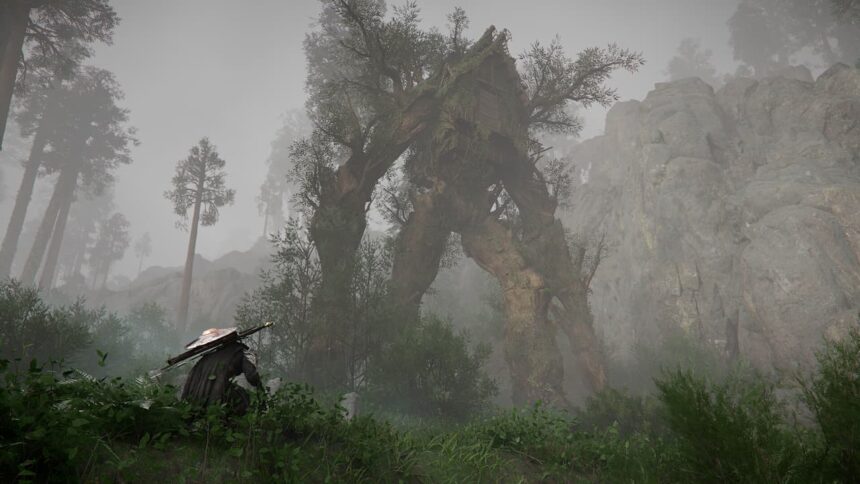
A tree enemy in Crimson Desert
SHARE
Contents
What Crimson Desert Settings to Change on the PS5?How to Fix Blurry Graphics on Crimson Desert on the PS5?

After much waiting, Crimson Desert is finally out, and the game is already winning over hearts. The game’s considered a visual masterpiece, and it’s no surprise why. However, with the PS5 quickly nearing the end of its lifespan, some players may wonder what the best settings are for Crimson Desert.

Fortunately, finding the Crimson Desert’s best settings for the PS5 is pretty straightforward. Whether you’re playing on the base version or the pro, just a little tweaking with the settings can greatly amplify your experience.

What Crimson Desert Settings to Change on the PS5?
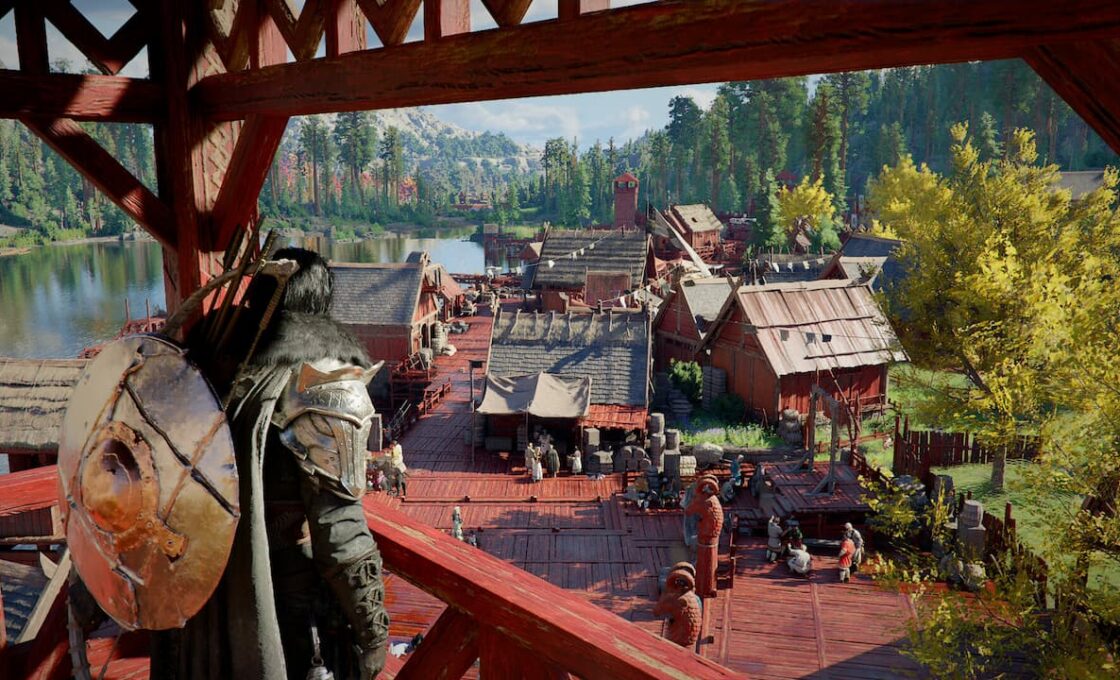
A town in Crimson Desert

Changing the settings of any game on a PS5 is much simpler than on a PC. This is primarily because games are usually optimized with the platform in mind. However, that doesn’t mean that every game runs perfectly.

Case in point, Crimson Desert struggles to run properly on the base PS5, which could cause some annoyance. By contrast, those playing on the PS5 Pro likely won’t have to change too many settings, since the console is more than powerful enough to reliably run this game.

If you’re playing Crimson Desert on the base PS5, then we recommend that you tweak the following settings:

  • Graphics Mode: Balanced
  • V-Sync: On
  • HDR: Off (unless you have a proper HDR TV like OLED or FALD)
  • Contrast: Around 50
  • Brightness: Adjust to preference

If you notice stutters, then don’t be afraid to lower shadows, since that’s what mostly impacts the FPS. Of course, you can go for performance mode to bump up your FPS even more, but it isn’t recommended. The graphical hit is very obvious, which is why balanced mode is more recommended. This mode aims for 40 FPS while balancing performance with good visual quality.

See also:  How to Boot PlayStation 5 in Safe Mode

How to Fix Blurry Graphics on Crimson Desert on the PS5?
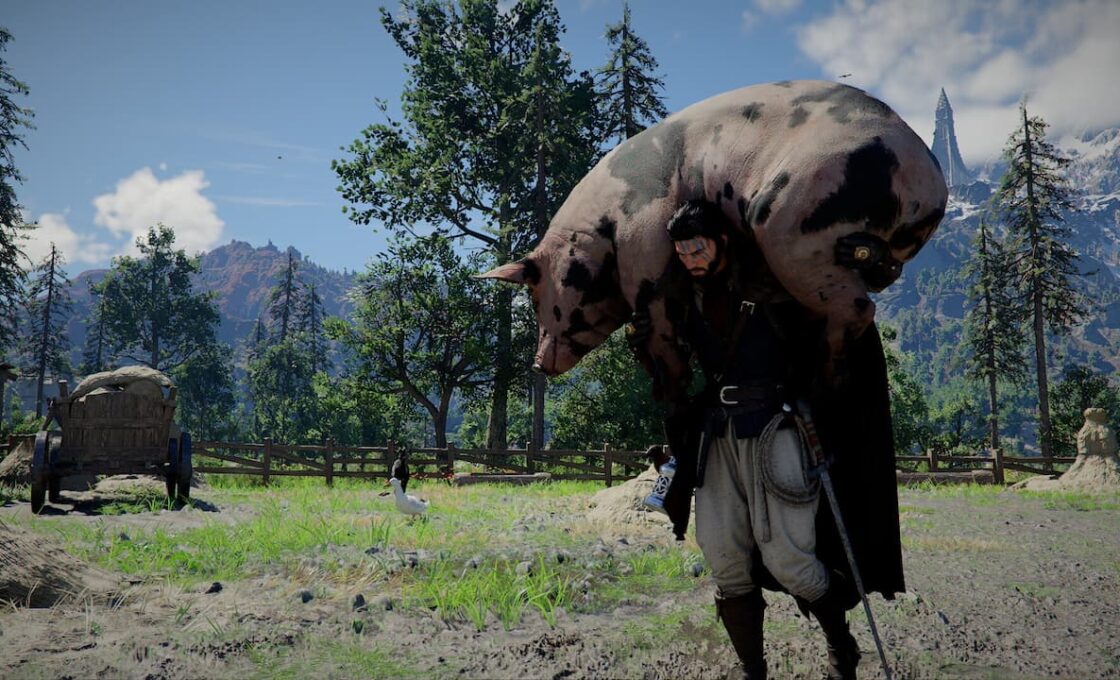
Carrying a pig in Crimson Desert

Crimson Desert has a known bug where the game drops to a lower internal resolution on the PS5. Funnily enough, this only happens if 120Hz is enabled, so the logical fix for this is to just disable it. To do this, follow the steps below:

  • Go to your PS5’s settings
  • Interact with the Screen & Video option
  • Go to Video Output
  • Finally, set 120 Hz Output to off

Paired with the rest of the options that we gave you, this should be more than enough to deliver an awesome experience for you. Crimson Desert’s performance on the base PS5 may leave much to be desired. But that doesn’t mean that the game can’t run well on it, especially with the improvements post-release patches have made.

TAGGED: Crimson Desert PS5 settings, Crimson Desert settings
Hannan Mundia April 1, 2026
Share this Article
Facebook Twitter Whatsapp Whatsapp Reddit Email Copy Link Print
Posted by Hannan Mundia
Follow:
I'm Hannan Mundia, an avid gamer and seasoned journalist who loves talking and writing about video games. From RPGs to platformers, I love immersing myself in all sorts of games to imagine myself in new and wonderous worlds.
Previous Article Top 5 Games That Run Better on the PS5 Pro
Next Article starfield ps5 ship fight feature Starfield Pre-Order Details for PS5

Recent Posts

  • 5 Ways Cybercriminals and Scammers Are Using The GTA VI Hype
    August 4, 2026
  • Biggest Crypto Casino Wins
    August 3, 2026
  • is gears of war eday coming to ps5 featureIs Gears of War: E-Day Coming to PS5?
    August 3, 2026
  • Best Competitive Fighting Games on the PS5
    August 1, 2026
  • Best Xbox First-Party Games on the PS5
    August 1, 2026
  • A Closer Look at Gaming Mouse Pads Built for Precision and Speed
    July 30, 2026
  • Football Games Are Becoming More Tactical Than Ever
    July 29, 2026
  • PS PortalCan You Use Your PS Portal Away From Home?
    July 28, 2026

You Might Also Like

EditorialsGames

5 Ways Cybercriminals and Scammers Are Using The GTA VI Hype

6 Min Read
EditorialsGames

Biggest Crypto Casino Wins

5 Min Read
AccessoriesEditorials

A Closer Look at Gaming Mouse Pads Built for Precision and Speed

5 Min Read
EditorialsGames

Football Games Are Becoming More Tactical Than Ever

5 Min Read
Follow US

© 2013 - 2026 PS5Home.com. All Rights Reserved.

Operated by Power Up Gaming Ltd (Company No. 17094696).

Our Friends: iNet Ventures / PS4 Home / Gamerbolt.com

  • Home
  • Contact and Advertising

Removed from reading list

Undo
Welcome Back!

Sign in to your account

Lost your password?
