

By using this site, you agree to the Privacy Policy and Terms of Use.
Accept
PS5 Home - The Home of PS5PS5 Home - The Home of PS5
  • Editorials
    EditorialsShow More
    Marvel's Wolverine key art
    PS5 Games That Won’t Be On PC
    4 Min Read
    Ghost of Yotei screenshot
    The Best Charms in Ghost of Yōtei
    4 Min Read
    All God of War Games, Ranked
    All God of War Games, Ranked
    10 Min Read
    The Closure of Bluepoint Games – What It Reveals About PlayStation’s Studio Strategy
    7 Min Read
    Arc Raiders Steam screenshot
    How to Fix Arc Raiders Mic Not Working on PS5
    3 Min Read
  • Games
    GamesShow More
    How to Fix “Restricted From Communication Features” Error on PS5
    3 Min Read
    Baldur's Gate 3 screenshot
    Best Baldur’s Gate 3 Mods for the PS5
    5 Min Read
    Marvel's Wolverine key art
    PS5 Games That Won’t Be On PC
    4 Min Read
    All God of War Games, Ranked
    All God of War Games, Ranked
    10 Min Read
    The Closure of Bluepoint Games – What It Reveals About PlayStation’s Studio Strategy
    7 Min Read
  • News
    NewsShow More
    far cry 3 remastered feature with vaas
    Far Cry 3 Remastered Among Three Games Getting 60 FPS on PS5
    3 Min Read
    PS Plus extra and premium august 2024 promo image
    PlayStation Plus August 2024 Free Games Revealed
    10 Min Read
    Guitar Hero 3 cover art with PlayStation logo
    Is Guitar Hero Coming to PS5?
    3 Min Read
    Palworld monster with giant gun
    Will Palworld Come to PS5?
    3 Min Read
    Is Starfield on PS5?
    2 Min Read
  • How To Guides
    How To GuidesShow More
    How to Fix “Restricted From Communication Features” Error on PS5
    3 Min Read
    how to access ghost of yotei legends characters running
    What is Ghost of Yotei Legends & How to Access It?
    3 Min Read
    docked ps5 machine feature
    Is Docked a PS5 Exclusive?
    3 Min Read
    Arc Raiders Steam screenshot
    How to Fix Arc Raiders Mic Not Working on PS5
    3 Min Read
    Fighting an Arc in Arc Raiders
    Where to Find Rusted Gears in Arc Raiders
    3 Min Read
  • Console
    ConsoleShow More
    How to Fix “Restricted From Communication Features” Error on PS5
    3 Min Read
    How the PS5 Is Accelerating the Move to All-Digital Gaming
    10 Min Read
    How to Tell if My PS5 is Region Locked
    How to Tell if My PS5 is Region Locked
    2 Min Read
    Online Privacy Concerns Grow Among Console Gamers
    5 Min Read
    PlayStation 5
    How Cloud Storage Simplifies Player Progression
    7 Min Read
  • Accessories
    AccessoriesShow More
    Arc Raiders Steam screenshot
    How to Fix Arc Raiders Mic Not Working on PS5
    3 Min Read
    PS5
    The Best TVs For Your PS5
    6 Min Read
    Astro Bot DualSense
    Best Third-Party PS5 Controllers
    3 Min Read
    how to recalibrate ps5 controller
    How to Recalibrate a PS5 Controller
    2 Min Read
    Strike Pack PS5
    Strike Pack PS5 Guide
    2 Min Read
Reading: Best Nioh 3 Settings for the PS5
Share
Sign In
Aa
PS5 Home - The Home of PS5PS5 Home - The Home of PS5
Aa
  • Editorials
  • Games
  • News
  • How To Guides
  • Console
  • Accessories
  • Editorials
  • Games
  • News
  • How To Guides
  • Console
  • Accessories
Have an existing account? Sign In
Follow US
PS5 Home - The Home of PS5 > Editorials > Best Nioh 3 Settings for the PS5
EditorialsFeaturedGamesHow To Guides

Best Nioh 3 Settings for the PS5

Hannan Mundia
Last updated: 2026/02/16 at 8:32 PM
Hannan Mundia Published February 13, 2026
Share
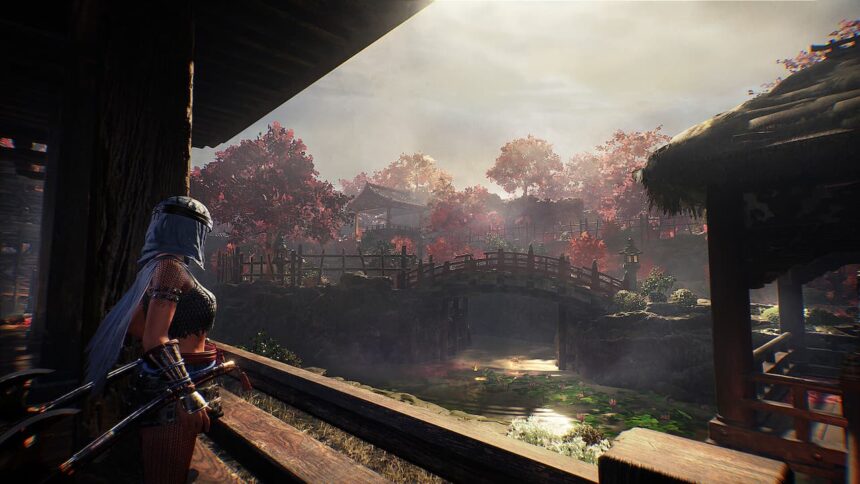
Official Nioh 3 screenshot
SHARE
Contents
Best PS5 Nioh 3 SettingsWhat Are Nioh 3’s Specification Requirements?

Nioh 3 is finally here, and the game has seen much more success than most players were likely guessing it would. It makes sense that some players new to the franchise will want to pick the game up, especially considering its success.

However, with the PS5 slowly becoming not as strong a machine as it was at launch, some players may have to adjust their settings to play the action-adventure title. Whether it’s for getting the best FPS or the most beautiful visuals, here are the best Nioh 3 settings to use on the PS5.

Best PS5 Nioh 3 Settings
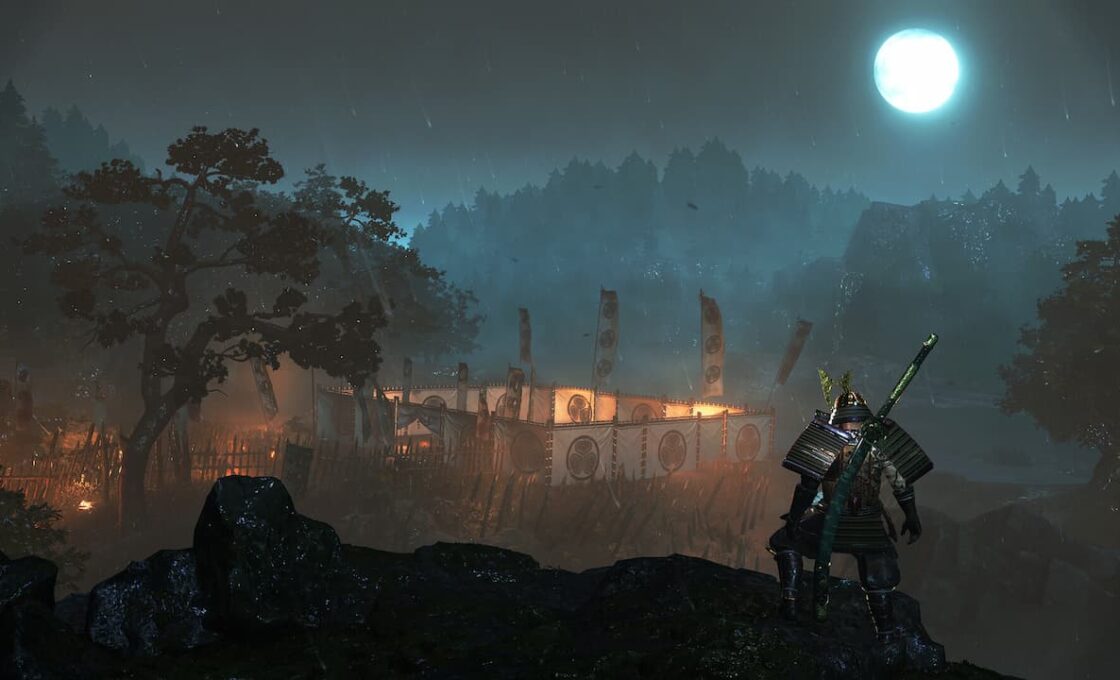
Nioh 3 screenshot

Changing settings isn’t as important on the PS5 as compared to a PC. This is because the game is already compatible with the PS5’s hardware. However, tweaking the settings a little can help you ensure you don’t get frame drops during some more intense moments in the game.

Setting Category Recommended Option Why This Is Best
Graphics Mode Prioritize FPS Targets ~60 FPS, which is much smoother for combat-heavy gameplay
Resolution Mode Avoid (4K/30 FPS) Has frame pacing issues and feels less responsive
Frame Rate Target 60 FPS Best balance of responsiveness and performance for fights
VRR (if supported) ON Helps smooth out FPS drops and stuttering
Display Output 1080p–Dynamic Resolution Helps maintain stable FPS during intense scenes
Motion Blur OFF Cleaner visuals and better clarity during fast movement
HDR Optional (Preference-based) No major performance impact, depends on your display
Camera Sensitivity Medium–High Improves responsiveness in fast combat situations
Performance Focus Stability over visuals Game can drop frames in heavy fights, so stability matters more
See also:  How To Prepare For The Launch Of GTA VI?

Using these settings should give you a better gaming experience when playing Nioh 3 on your PS5. These settings apply to both the base and pro versions of the console, making them universal.

What Are Nioh 3’s Specification Requirements?
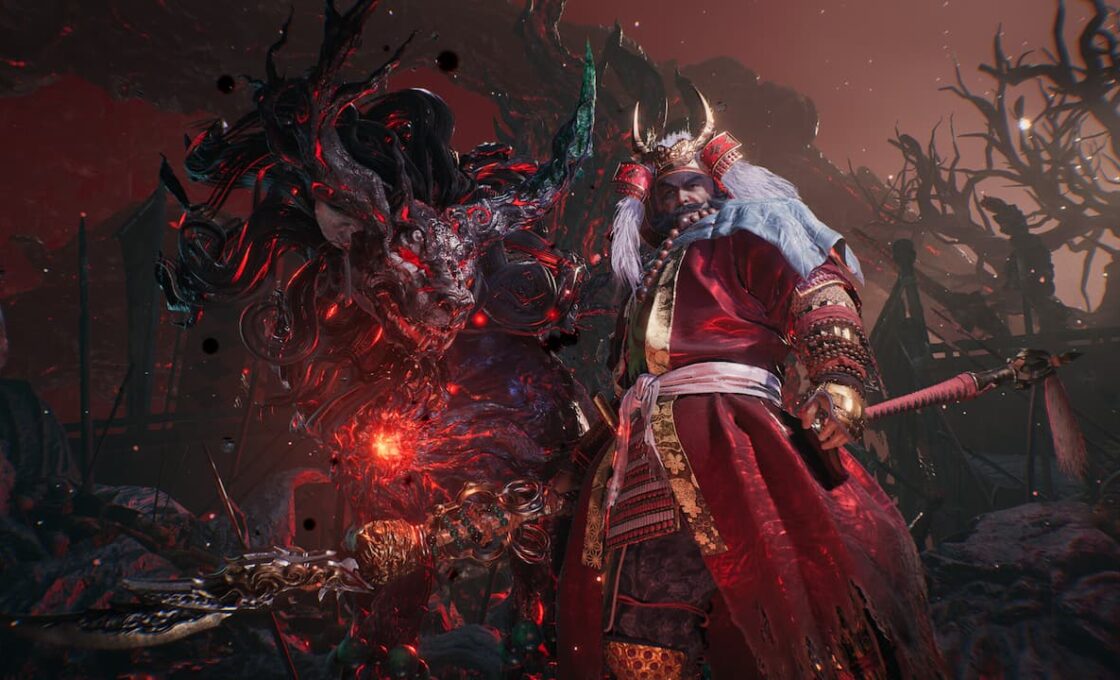
A boss in Nioh 3

Specification requirements don’t really matter for players who play on the PlayStation 5. However, if you’re someone who has both a PS5 and PC, then you may be interested to know whether your PC can run Nioh 3. Below are the specification requirements for the game.

Category Minimum Requirements Recommended Requirements
OS Windows 11 (64-bit) Windows 11 (64-bit)
Processor (CPU) Intel Core i5-10400 / AMD Ryzen 5 2600 Intel Core i5-10600K / AMD Ryzen 5 5600X
Memory (RAM) 16 GB 16 GB
Graphics (GPU) NVIDIA GTX 1060 (6GB) / AMD RX 5600 XT (6GB) NVIDIA RTX 3060 Ti (8GB) / AMD RX 6700 XT (12GB)
DirectX Version 12 Version 12
Storage 125 GB (SSD required) 125 GB (NVMe SSD recommended)
Target Performance 1080p / 30 FPS (low settings + upscaling) 1080p / 60 FPS (standard settings + upscaling)
Other Notes SSD is mandatory, performance depends on drive speed Frame generation supported, better scaling with stronger SSD


TAGGED: Nioh 3 settings
Hannan Mundia February 13, 2026
Share this Article
Facebook Twitter Whatsapp Whatsapp Reddit Email Copy Link Print
Posted by Hannan Mundia
Follow:
I'm Hannan Mundia, an avid gamer and seasoned journalist who loves talking and writing about video games. From RPGs to platformers, I love immersing myself in all sorts of games to imagine myself in new and wonderous worlds.
Previous Article no rest for the wicked ps5 gameplay screen Is No Rest for the Wicked Coming to PS5?
Next Article official Resident Evil Requiem screenshot Best Order to Play the Resident Evil Games on the PS5 Before Requiem

Recent Posts

  • How to Fix “Restricted From Communication Features” Error on PS5
    March 14, 2026
  • Baldur's Gate 3 screenshotBest Baldur’s Gate 3 Mods for the PS5
    March 14, 2026
  • how to access ghost of yotei legends characters runningWhat is Ghost of Yotei Legends & How to Access It?
    March 12, 2026
  • Marvel's Wolverine key artPS5 Games That Won’t Be On PC
    March 11, 2026
  • Ghost of Yotei screenshotThe Best Charms in Ghost of Yōtei
    March 11, 2026
  • All God of War Games, RankedAll God of War Games, Ranked
    March 11, 2026
  • The Closure of Bluepoint Games – What It Reveals About PlayStation’s Studio Strategy
    March 10, 2026
  • docked ps5 machine featureIs Docked a PS5 Exclusive?
    March 6, 2026

You Might Also Like

ConsoleGamesHow To Guides

How to Fix “Restricted From Communication Features” Error on PS5

3 Min Read
Baldur's Gate 3 screenshot
Editor's picksGamesGeneral Gaming

Best Baldur’s Gate 3 Mods for the PS5

5 Min Read
how to access ghost of yotei legends characters running
FeaturedGeneral GamingHow To Guides

What is Ghost of Yotei Legends & How to Access It?

3 Min Read
Marvel's Wolverine key art
EditorialsFeaturedGames

PS5 Games That Won’t Be On PC

4 Min Read
Follow US

© 2013 - 2026 PS5Home.com. All Rights Reserved.

Our Friends: iNet Ventures / PS4 Home / Gamerbolt.com

  • Home
  • Contact and Advertising

Removed from reading list

Undo
Welcome Back!

Sign in to your account

Lost your password?
