


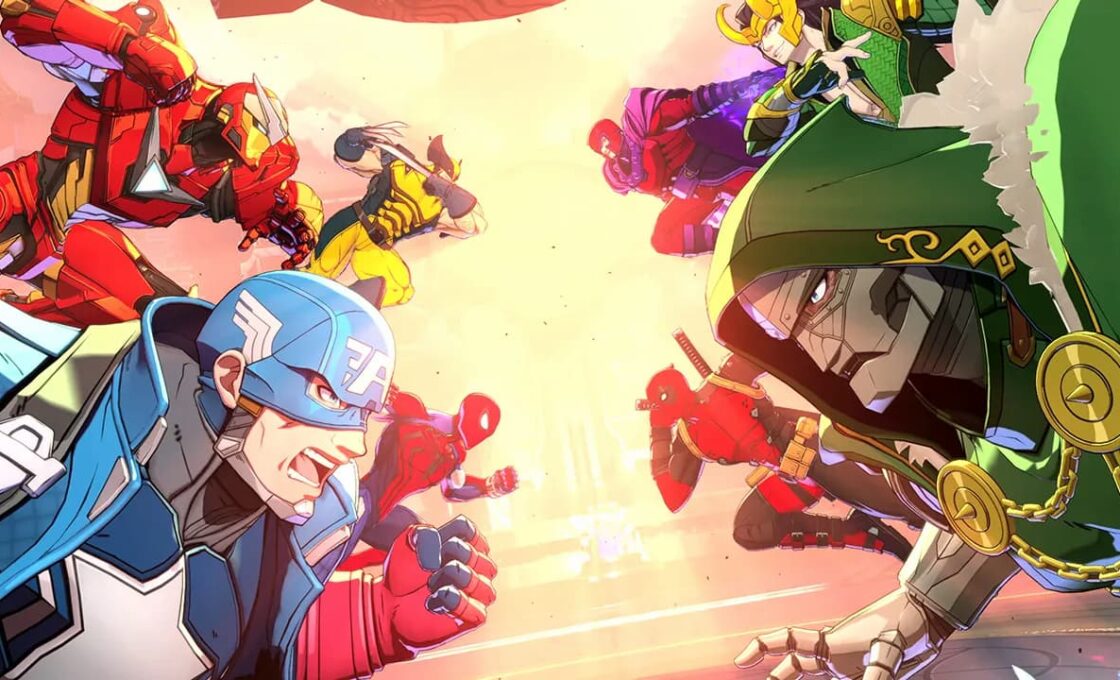
Marvel Tokon is finally out, and the game is already going through multiple controversies. While it’s definitely a fun fighting game, it’s also true that the developer messed up the optimization on several fronts. The good news is that tweaking the Marvel Tokon settings can help your PS5 run it somewhat better.
These settings don’t extend to graphic-related ones, but those that make matchmaking and controlling characters easier. These quality-of-life settings are crucial if you want to take your Marvel Tokon experience to the next level.
Online Matchmaking and Lobby Settings for Marvel Tokon
Online settings in Marvel Tokon focus on managing the lobby and what ping the player gets when queuing for matches. When entering online mode, players can use the “Recommended” setting, which automatically identifies and selects the best available lobby based on the user’s geographic location. Players can also manually browse the “Lobby List” through the menu to join specific lobbies that aren’t full.
Communication in these lobbies is regulated through specific interaction settings. In public lobbies, players configure their communication using a combination of premade phrases, stickers, emotes, and a free chat function. However, communication settings are restricted to only the premade phrases in private room matches.
Marvel Tokon PS5 Controller and Input Settings

Controller setups on PlayStation 5 are highly customizable in Marvel Tokon, allowing players to use basic DualSense controllers alongside arcade sticks and leverless devices.
The game supports numerous PS5-compatible inputs. This means players can modify their button layouts by accessing the configuration menu from the Character Select Screen, the mid-match Pause Menu, or the main Options Menu. There are no one-size-fits-all solutions, so players should try numerous combinations in the practice mode and use what works for them.
Training Mode Preferences for Marvel Tokon

The game has an extensive training environment with adjustable display toggles to help players learn the mechanics. Players should enable on-screen displays for command inputs and frame data and use these display settings to learn combos and specials.
Players can configure the training environment by adjusting the bot’s behavior. Settings include options to load specific situational presets, adjust bot difficulty, and use a record-and-replay function to test responses against specific attacks.


