

By using this site, you agree to the Privacy Policy and Terms of Use.
Accept
PS5 Home - The Home of PS5PS5 Home - The Home of PS5
  • Editorials
    EditorialsShow More
    Team attack in Marvel Tokon
    Best Settings for Marvel Tokon on PS5 Settings
    3 Min Read
    Why Football Games Have Turned Match Data Into a Second Screen Experience
    5 Min Read
    5 Ways Cybercriminals and Scammers Are Using The GTA VI Hype
    6 Min Read
    Biggest Crypto Casino Wins
    5 Min Read
    A Closer Look at Gaming Mouse Pads Built for Precision and Speed
    5 Min Read
  • Games
    GamesShow More
    games like restory on ps5 feature of unpacking
    Cozy Games Like ReStory on PS5
    7 Min Read
    Why Football Games Have Turned Match Data Into a Second Screen Experience
    5 Min Read
    5 Ways Cybercriminals and Scammers Are Using The GTA VI Hype
    6 Min Read
    Biggest Crypto Casino Wins
    5 Min Read
    is gears of war eday coming to ps5 feature
    Is Gears of War: E-Day Coming to PS5?
    4 Min Read
  • News
    NewsShow More
    is gears of war eday coming to ps5 feature
    Is Gears of War: E-Day Coming to PS5?
    4 Min Read
    sand: raiders of sophie ps5 feature
    Is SAND: Raiders of Sophie Coming to PS5?
    4 Min Read
    MSI 2026 Betting Picture Before the Field Locks
    6 Min Read
    Spring Split Upsets Completely Shuffle Regional Seedings Ahead Of Daejeon LAN Matches
    9 Min Read
    The logo for the Tearaway.me website
    Tearaway’s Companion Website is Being Shut Down
    4 Min Read
  • Guides
    GuidesShow More
    Team attack in Marvel Tokon
    Best Settings for Marvel Tokon on PS5 Settings
    3 Min Read
    Peter and Miles in Spider-Man 2
    What to Know Before Getting a Monitor for PS5
    6 Min Read
    PS Portal
    Can You Use Your PS Portal Away From Home?
    4 Min Read
    Transfer
    How To Transfer Captures Between PS5 Consoles
    3 Min Read
    How to Prepare for God of War: Laufey
    4 Min Read
  • Console
    ConsoleShow More
    Peter and Miles in Spider-Man 2
    What to Know Before Getting a Monitor for PS5
    6 Min Read
    Transfer
    How To Transfer Captures Between PS5 Consoles
    3 Min Read
    PS5 vs Steam Machine
    PS5 vs Steam Machine: Which One’s Better?
    6 Min Read
    NFT text
    Why PlayStation Embracing NFTs Could Be a Better Idea Than It Sounds
    7 Min Read
    GTA 6 cover art
    PS5 Pro Features That GTA 6 Should Have
    5 Min Read
  • Accessories
    AccessoriesShow More
    Peter and Miles in Spider-Man 2
    What to Know Before Getting a Monitor for PS5
    6 Min Read
    A Closer Look at Gaming Mouse Pads Built for Precision and Speed
    5 Min Read
    Top 5 PS5 Games With Amazing DualSense Support
    Top 5 PS5 Games With Amazing DualSense Support
    6 Min Read
    Arc Raiders Steam screenshot
    How to Fix Arc Raiders Mic Not Working on PS5
    3 Min Read
    PS5
    The Best TVs For Your PS5
    6 Min Read
Reading: Best Settings for Marvel Tokon on PS5 Settings
Share
Sign In
Aa
PS5 Home - The Home of PS5PS5 Home - The Home of PS5
Aa
  • Editorials
  • Games
  • News
  • Guides
  • Console
  • Accessories
  • Editorials
  • Games
  • News
  • Guides
  • Console
  • Accessories
Have an existing account? Sign In
Follow US
PS5 Home - The Home of PS5 > Editorials > Best Settings for Marvel Tokon on PS5 Settings
EditorialsGuides

Best Settings for Marvel Tokon on PS5 Settings

Hannan Mundia
Last updated: 2026/08/08 at 12:19 PM
Hannan Mundia Published August 8, 2026
Share
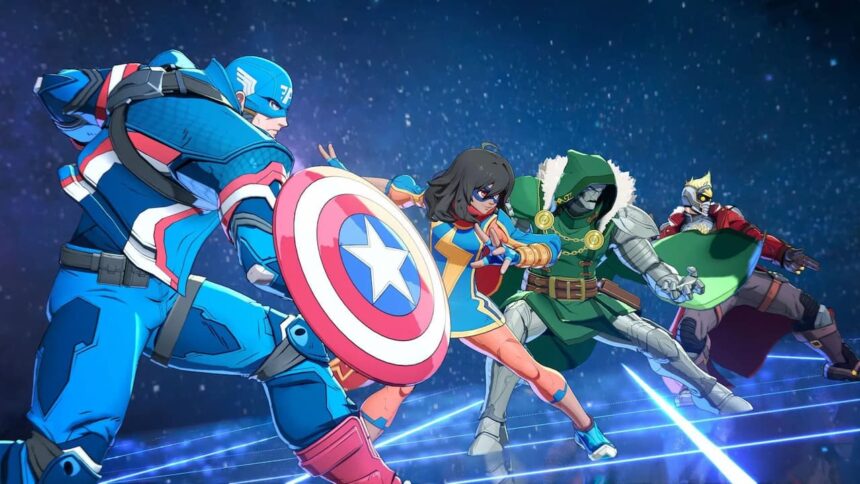
Team attack in Marvel Tokon
SHARE
Contents
Online Matchmaking and Lobby Settings for Marvel TokonMarvel Tokon PS5 Controller and Input SettingsTraining Mode Preferences for Marvel Tokon

Marvel Tokon is finally out, and the game is already going through multiple controversies. While it’s definitely a fun fighting game, it’s also true that the developer messed up the optimization on several fronts. The good news is that tweaking the Marvel Tokon settings can help your PS5 run it somewhat better.

These settings don’t extend to graphic-related ones, but those that make matchmaking and controlling characters easier. These quality-of-life settings are crucial if you want to take your Marvel Tokon experience to the next level.

Online Matchmaking and Lobby Settings for Marvel Tokon
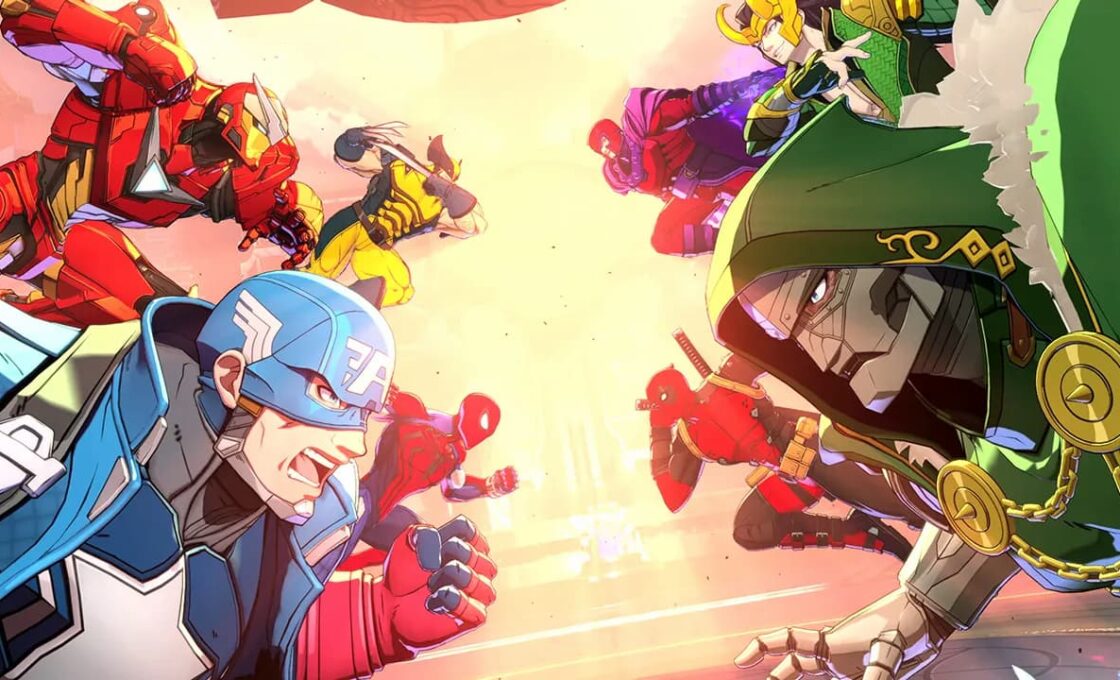
Marvel Tokon screenshot

Online settings in Marvel Tokon focus on managing the lobby and what ping the player gets when queuing for matches. When entering online mode, players can use the “Recommended” setting, which automatically identifies and selects the best available lobby based on the user’s geographic location. Players can also manually browse the “Lobby List” through the menu to join specific lobbies that aren’t full.

Communication in these lobbies is regulated through specific interaction settings. In public lobbies, players configure their communication using a combination of premade phrases, stickers, emotes, and a free chat function. However, communication settings are restricted to only the premade phrases in private room matches.

Marvel Tokon PS5 Controller and Input Settings

Deadpool in Marvel Tokon

Controller setups on PlayStation 5 are highly customizable in Marvel Tokon, allowing players to use basic DualSense controllers alongside arcade sticks and leverless devices. 

See also:  Football Sims Forgot How to Have Fun, But Arcade Games Remember

The game supports numerous PS5-compatible inputs. This means players can modify their button layouts by accessing the configuration menu from the Character Select Screen, the mid-match Pause Menu, or the main Options Menu. There are no one-size-fits-all solutions, so players should try numerous combinations in the practice mode and use what works for them.

Training Mode Preferences for Marvel Tokon
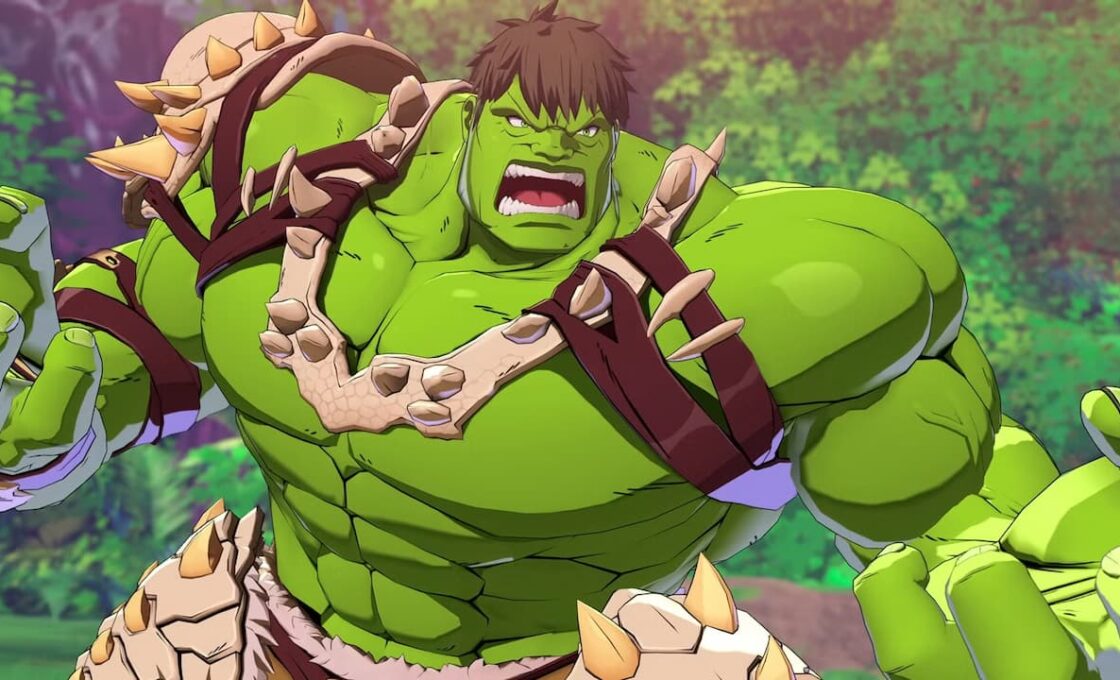
Hulk in Marvel Tokon

The game has an extensive training environment with adjustable display toggles to help players learn the mechanics. Players should enable on-screen displays for command inputs and frame data and use these display settings to learn combos and specials.

Players can configure the training environment by adjusting the bot’s behavior. Settings include options to load specific situational presets, adjust bot difficulty, and use a record-and-replay function to test responses against specific attacks.

TAGGED: Marvel Tokon, Marvel Tokon PS5 settings
Hannan Mundia August 8, 2026
Share this Article
Facebook Twitter Whatsapp Whatsapp Reddit Email Copy Link Print
Posted by Hannan Mundia
Follow:
I'm Hannan Mundia, an avid gamer and seasoned journalist who loves talking and writing about video games. From RPGs to platformers, I love immersing myself in all sorts of games to imagine myself in new and wonderous worlds.
Previous Article Peter and Miles in Spider-Man 2 What to Know Before Getting a Monitor for PS5

Recent Posts

  • Team attack in Marvel TokonBest Settings for Marvel Tokon on PS5 Settings
    August 8, 2026
  • Peter and Miles in Spider-Man 2What to Know Before Getting a Monitor for PS5
    August 8, 2026
  • games like restory on ps5 feature of unpackingCozy Games Like ReStory on PS5
    August 8, 2026
  • Why Football Games Have Turned Match Data Into a Second Screen Experience
    August 5, 2026
  • 5 Ways Cybercriminals and Scammers Are Using The GTA VI Hype
    August 4, 2026
  • Biggest Crypto Casino Wins
    August 3, 2026
  • is gears of war eday coming to ps5 featureIs Gears of War: E-Day Coming to PS5?
    August 3, 2026
  • Best Competitive Fighting Games on the PS5
    August 1, 2026

You Might Also Like

Peter and Miles in Spider-Man 2
AccessoriesConsoleGuides

What to Know Before Getting a Monitor for PS5

6 Min Read
EditorialsGames

Why Football Games Have Turned Match Data Into a Second Screen Experience

5 Min Read
EditorialsGames

5 Ways Cybercriminals and Scammers Are Using The GTA VI Hype

6 Min Read
EditorialsGames

Biggest Crypto Casino Wins

5 Min Read
Follow US

© 2013 - 2026 PS5Home.com. All Rights Reserved.

Operated by Power Up Gaming Ltd (Company No. 17094696).

Our Friends: iNet Ventures / PS4 Home / Gamerbolt.com

  • Home
  • Contact and Advertising

Removed from reading list

Undo
Welcome Back!

Sign in to your account

Lost your password?
