


Online communication during gaming is much more restricted than it was years ago, and for good reasons. Breaking certain rules and regulations can cause players to get their communication features restricted, even on modern consoles such as the PS5.
The communication restriction error is one such issue that many players may face. However, there’s no guarantee that this error is because of something you did. To potentially fix this, you can go through a handful of troubleshooting methods that players on the same boat have used.
What Is the “Restricted From Communication Features” Error on the PS5?
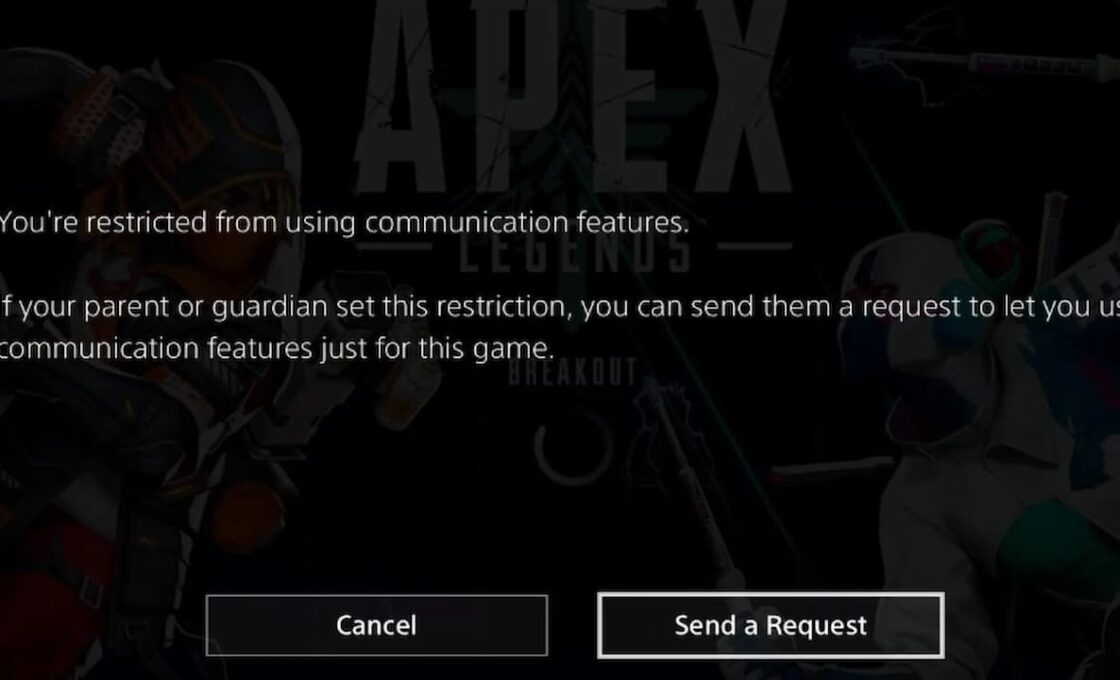
The “Restricted From Communication Features” error limits players from chatting with friends, joining parties, or sending messages on their PS5. The error essentially restricts players from all social aspects of online play. Luckily, fixing the error is straightforward, since players can do it in just a few steps.
How to Fix the “Restricted From Communication Features” Error on PS5?
This error usually arises because of parental controls, age verification issues, PSN suspensions, or normal glitches. You can follow the steps below to check which element is causing the issue on your end and fix it.
You can change your console’s parental controls through the family management settings menu. From there, just adjust some key settings to ensure communication with other players. Follow these exact steps.
- Go to Settings
- Navigate to Family and Parental Controls
- Go to Family Management
- Change the settings under Communication & User-Generated Content
If the issue is age verification, you may be using a child account and need to adjust its settings. While uncommon, the “Restricted From Communication Features” error could also arise if you’re logged into a child account, even if you aren’t actively using it. Try signing out of all accounts and logging into your regular account to see if the problem persists.
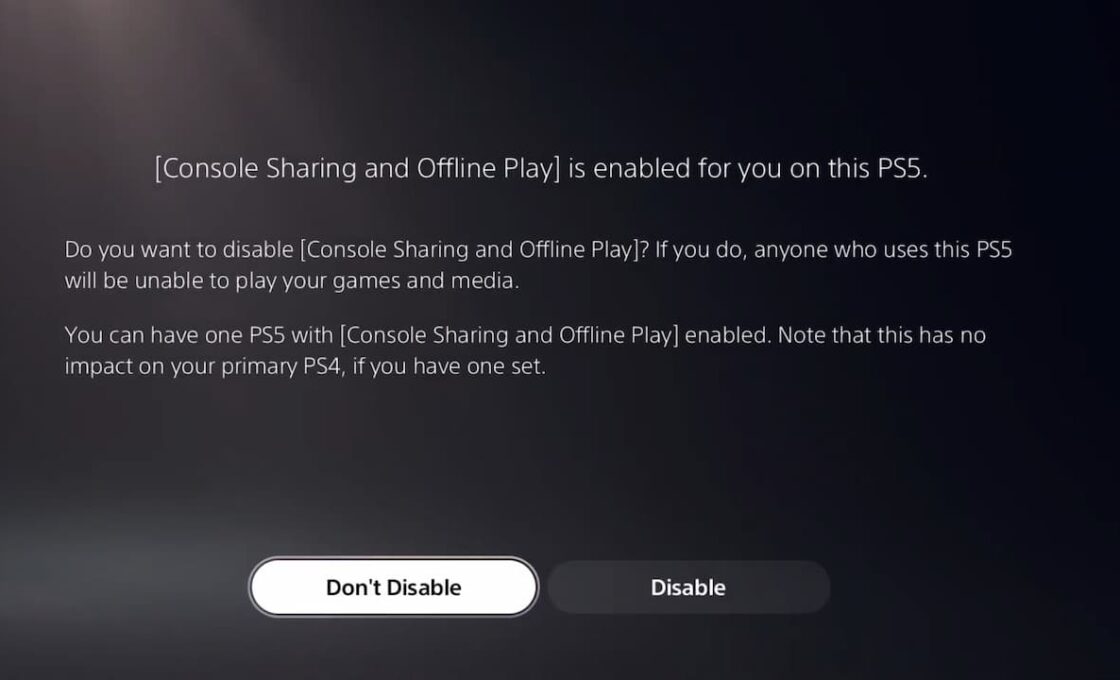
Similarly, the Console Sharing feature that allows multiple users can also cause this issue. You can follow these steps to fix the issue.
- Go to Settings
- Open Users and Accounts
- Go to Other
- Select Console Sharing and Offline Play
- Disable the feature
If all of this doesn’t work, then there’s a chance that you may be facing active suspensions, especially if there’s no server error. Check the received emails on the email linked to your active account to see if you received something from Sony or PlayStation. The company usually notifies players of whether any action is taken on their accounts. If your account is temporarily suspended, then you’ll just have to wait for the suspension to get lifted.


