


By using this site, you agree to the Privacy Policy and Terms of Use.
Accept
PS5 Home - The Home of PS5PS5 Home - The Home of PS5
  • Editorials
    EditorialsShow More
    God of War Ragnarok
    Beyond Gaming: How Interactive Entertainment is Expanding Online
    5 Min Read
    From Gaming to Collecting: Tracking Your Pokémon Card Values
    6 Min Read
    Marvel's Wolverine key art
    Marvel’s Wolverine and the Case for PS5 Exclusives in a Crowded Multiplatform Autumn
    7 Min Read
    Mini-Games and High Stakes. The Best Casino Mechanics in PlayStation 5 Hits
    11 Min Read
    GTA 6 cover art with protagonists
    Will GTA 6 Bring Sports Betting and a Casino?
    8 Min Read
  • Games
    GamesShow More
    Yakuza 0 gambling
    From GTA to Yakuza 0 – The Best Titles to Try the Tables
    4 Min Read
    EU Clears Ireland’s Games Tax Credit Expansion for DLC and Updates – Here’s Why It Matters for PS5 Players
    7 Min Read
    God of War Ragnarok
    Beyond Gaming: How Interactive Entertainment is Expanding Online
    5 Min Read
    Destiny 2 title art
    The Complete and Correct Order to Play Destiny 2
    5 Min Read
    forza horizon 6 editions ps5 details feature
    All Forza Horizon 6 Editions On PS5
    6 Min Read
  • News
    NewsShow More
    EU Clears Ireland’s Games Tax Credit Expansion for DLC and Updates – Here’s Why It Matters for PS5 Players
    7 Min Read
    Arc Raiders
    Arc Raiders Cheating: Why Bans Are Rising Fast on PS5 Crossplay
    10 Min Read
    Arc Raiders PvE mode
    How Arc Raiders’ New Limited-Time PvE Mode Will Work
    6 Min Read
    gta 6 30fps feature
    GTA 6 is Running At 30FPS on PS5
    4 Min Read
    witcher 3 remastered key art
    The Witcher 3 Remastered Launches in September
    4 Min Read
  • Guides
    GuidesShow More
    Destiny 2 title art
    The Complete and Correct Order to Play Destiny 2
    5 Min Read
    forza horizon 6 editions ps5 details feature
    All Forza Horizon 6 Editions On PS5
    6 Min Read
    Complete Sacred Stones Guide in Blood of Dawnwalker
    6 Min Read
    Valheim art
    How to Start Making Mead in Valheim
    6 Min Read
    Arc Raiders Steam screenshot
    How to Unlock Weapons Without Blueprints in Arc Raiders
    6 Min Read
  • Console
    ConsoleShow More
    Jason and Lucia in GTA 6
    Is the PS5 the Best Console for GTA 6?
    5 Min Read
    Diamond Casino GTA
    Are There Casino Slot Games on PS5 and If So, How Can You Play Them?
    4 Min Read
    The Case For Clear Screen-Time Rules and Smarter Digital Rewards
    4 Min Read
    Study Reveals PlayStation Gamers Have Higher Average IQ Than Xbox Players
    4 Min Read
    Peter and Miles in Spider-Man 2
    What to Know Before Getting a Monitor for PS5
    6 Min Read
  • Accessories
    AccessoriesShow More
    Peter and Miles in Spider-Man 2
    What to Know Before Getting a Monitor for PS5
    6 Min Read
    A Closer Look at Gaming Mouse Pads Built for Precision and Speed
    5 Min Read
    PS Portal
    Can You Use Your PS Portal Away From Home?
    4 Min Read
    Top 5 PS5 Games With Amazing DualSense Support
    Top 5 PS5 Games With Amazing DualSense Support
    6 Min Read
    Arc Raiders Steam screenshot
    How to Fix Arc Raiders Mic Not Working on PS5
    3 Min Read
Reading: Best Fortnite Controller Settings for the PS5
Share
PS5 Home - The Home of PS5PS5 Home - The Home of PS5
  • Editorials
  • Games
  • News
  • Guides
  • Console
  • Accessories
Follow US
PS5 Home - The Home of PS5 > Games > Best Fortnite Controller Settings for the PS5
GamesGuides

Best Fortnite Controller Settings for the PS5

PS5 Home
Last updated: 2026/09/10 at 12:04 AM
PS5 Home Published September 10, 2026
Share
Fortnite OG
SHARE
Contents
Best Fortnite DualSense SettingsBest Fortnite Sensitivity Settings for PS5Best Fortnite Input Curve SelectionBest Fortnite Controller Deadzone SettingsBest Fortnite Button Layout and Building SettingsBest Fortnite No-Build Mode Settings

Fortnite is arguably one of the most universal games out there. The game is available on all sorts of platforms, whether it’s PC, console, or even mobile, though the way to play is usually different. Take the PS5, for example. While players naturally use a controller to play Fortnite on the PS5, they may need to tweak their controller settings first.

Finding the best settings for any game is tough, since most settings are subjective. However, when it comes to competitive games such as Fortnite, it’s usually a good idea to take the most commonly used settings and use them as a baseline that you can adjust according to your requirements.

Best Fortnite DualSense Settings

Fortnite crossover characters

The PS5’s DualSense has unique features like adaptive triggers and haptic feedback that can heavily affect the Fortnite gameplay experience. For competitive play, adjust these features for performance rather than immersion.

  • Adaptive Trigger Resistance: Off
  • Vibration: Off

Other Helpful Settings

  • Controller Auto-Run: On – Enables easier movement management.
  • Auto-Open Doors: Off – Prevents unwanted door interactions during combat.
  • Mantle Activation: Hold Jump – Provides better control over climbing actions.
  • Hold to Swap Pickup: Off – Speeds up weapon switching.
  • Toggle Targeting: Off – Keeps aim-down-sights control.
  • Auto Pick-Up Weapons: Off – Prevents accidentally picking up unwanted items.
  • Reset Build Choice: Off – Maintains building consistency.
  • Disable Pre-Edit Option: Off – Prevents accidental building modifications.
See also:  The Closure of Bluepoint Games - What It Reveals About PlayStation’s Studio Strategy

Best Fortnite Sensitivity Settings for PS5
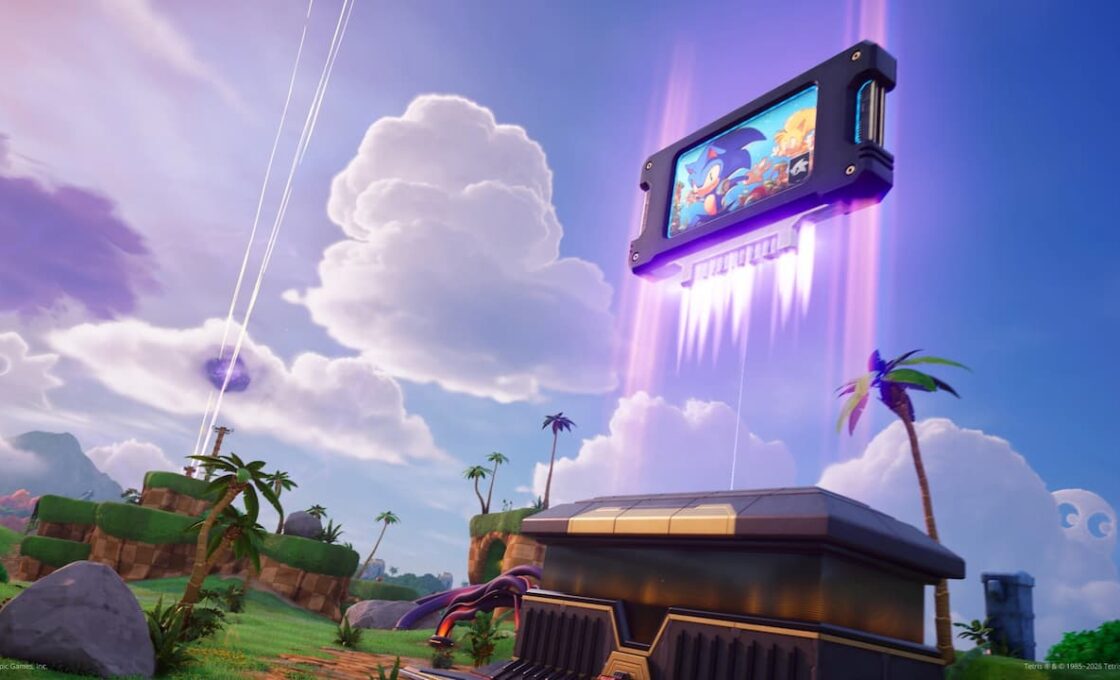
Sonic in Fortnite

Finding the perfect sensitivity balance is essential for PS5 players. The recommended starting point for most players is a medium look sensitivity with lower ADS sensitivity.

  • Look Horizontal Speed: 40-60%
  • Look Vertical Speed: 40-60%
  • Turning Horizontal Boost: 0%
  • Turning Vertical Boost: 0%
  • Turning Boost Ramp Time: 0.00 seconds
  • Instant Boost When Building: Off
  • ADS Look Horizontal Speed: 15-17%
  • ADS Look Vertical Speed: 15-17%
  • ADS Turning Horizontal Boost: 0%
  • ADS Turning Vertical Boost: 0%
  • ADS Turning Boost Ramp Time: 0.00 seconds
  • Look Dampening Curve: 0.20 seconds
  • Aim Assist Strength: 100%
    • This ensures maximum support without giving up control, helping lock onto targets in chaotic close-quarters combat.

Best Fortnite Input Curve Selection

Carrying banana in Fortnite

The choice between Linear and Exponential input curves heavily affects your aiming experience.

Linear Input Curve: Provides more responsive aiming and movement control, directly translating stick movement to in-game motion. Many pro players prefer Linear for its consistency and precision.

Exponential Input Curve: Offers better long-range shot accuracy but can make building and editing slower. Since most professionals use Exponential, it’s recommended as a starting point, then switching to Linear if it’s difficult.

Best Fortnite Controller Deadzone Settings

Deadzones control sensitivity by setting thresholds for stick movement, preventing unintended actions from minor stick shifts.

  • Left Stick Deadzone: 5-7%
  • Right Stick Deadzone: 5-7%

Starting with lower deadzone settings makes aiming more responsive by minimizing the stick’s delay in registering movement. Players should test values between 5-8% to find the level that feels most natural for you. If the player has stick drift, then they need to increase these values slightly.

See also:  Why Wasn’t Marathon a Hit Despite Destiny 2's Success?

Best Fortnite Button Layout and Building Settings
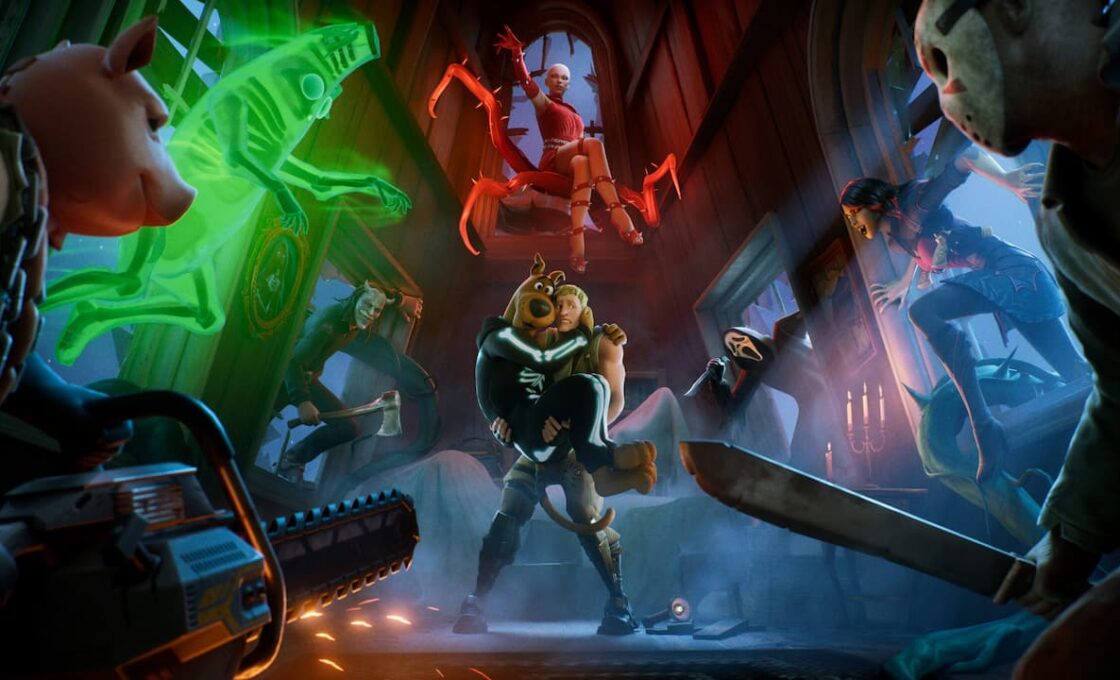
Fortnite horror season

  • Button Layout: Builder Pro 
    • Using Builder Pro or creating a custom layout simplifies building, which is essential in high-pressure moments on PS5.
  • Build Immediately (Builder Pro): On
  • Edit Hold Time: 0.100 seconds
  • Slide Hold Time: 0.150 seconds
  • Confirm Edit on Release: On
  • Turbo Building: On

Best Fortnite No-Build Mode Settings

In Fortnite’s No-Build mode, the focus is entirely on combat rather than building, so players use different controller settings for it.

  • ADS Sensitivity: Moderate, around 5-6
  • Look Sensitivity: Higher range, around 7-8.
  • Linear Input Curve: Linear
TAGGED: Fortnite controller settings
PS5 Home September 10, 2026
Share this Article
Facebook Twitter Whatsapp Whatsapp Reddit Email Copy Link Print
Previous Article Valheim title art Top 10 Beginner Tips Before Playing Valheim
Next Article wardogs characters ps5 feature Is Wardogs Coming to PS5?

You Might Also Like

Yakuza 0 gambling
Games

From GTA to Yakuza 0 – The Best Titles to Try the Tables

4 Min Read
GamesNews

EU Clears Ireland’s Games Tax Credit Expansion for DLC and Updates – Here’s Why It Matters for PS5 Players

7 Min Read
God of War Ragnarok
EditorialsGames

Beyond Gaming: How Interactive Entertainment is Expanding Online

5 Min Read
Destiny 2 title art
GamesGuides

The Complete and Correct Order to Play Destiny 2

5 Min Read
Follow US

© 2013 - 2026 PS5Home.com. All Rights Reserved.

Our Friends: iNet Ventures / PS4 Home / Gamerbolt.com

  • Home
  • Contact and Advertising

Removed from reading list

Undo
Welcome Back!

Sign in to your account

Lost your password?