


While most games are properly optimized for the PS5, having the right monitor can really amplify your overall experience. Whether you want to go for a high-performance 4K monitor or play on a 1440p monitor that looks more fluid, there are a bunch of things to know before getting a monitor for your PS5.
This guide aims to answer every question you may have before making your purchase. This includes highlighting the best monitor resolution for Sony’s console, as well as guiding you on how much you can expect to spend on a good monitor.
What’s the Best Monitor Resolution for PS5?
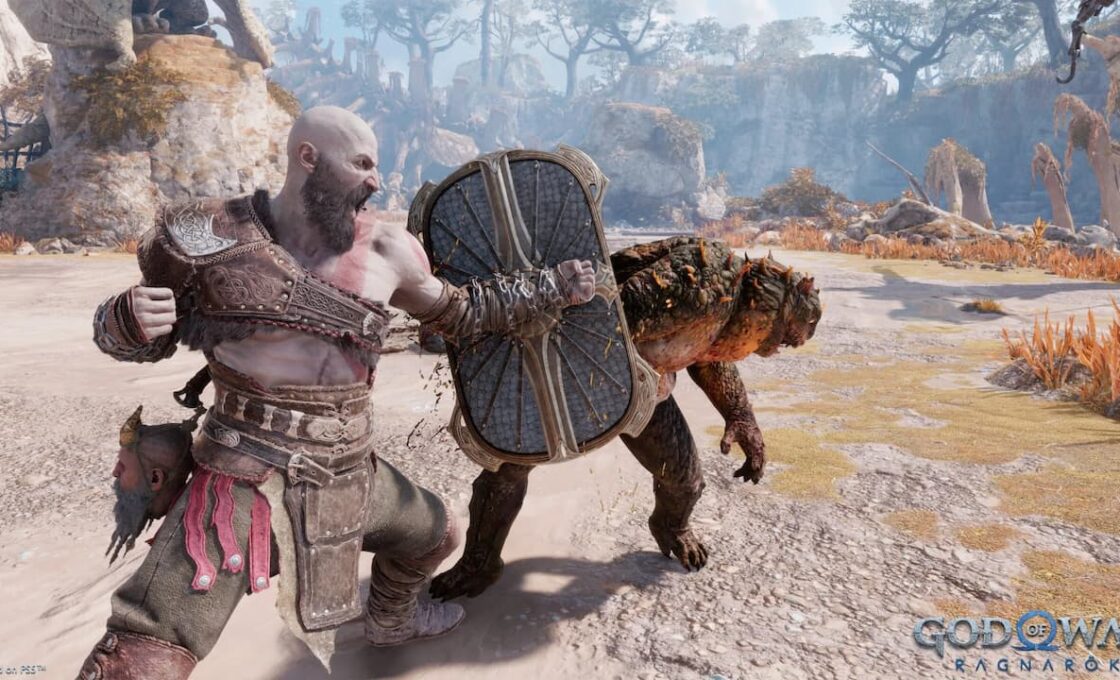
Sony built the PS5 around 4K output, so that’s the resolution to aim for if your budget allows it. A 1080p screen still works fine, but you just won’t see all the detail the console is already pushing out. 1440p is well supported too.
A 2022 firmware update let the console output that resolution natively, preventing the monitor from having to upscale a standard 1080p signal. Games that don’t render at 1440p directly still benefit, since the PS5 just downsamples from 4K, and that holds up far better than a straight 1080p stretch.
Do You Need a 120HZ Monitor for PS5?
The PS5 can push 120Hz, and many games now release with a performance mode built to reach it. None of that shows up on a 60Hz panel. 4K at 120Hz requires an actual HDMI 2.1 port, not just the label.
Plenty of monitors are marketed as “4K 120Hz” but only achieve these speeds through a DisplayPort connection, since the target audience is PC users. Always verify the port specification on the manufacturer’s spec sheet before buying the monitor to ensure it has HDMI 2.1 bandwidth.
What Is the Right VRR for a PS5 Monitor?
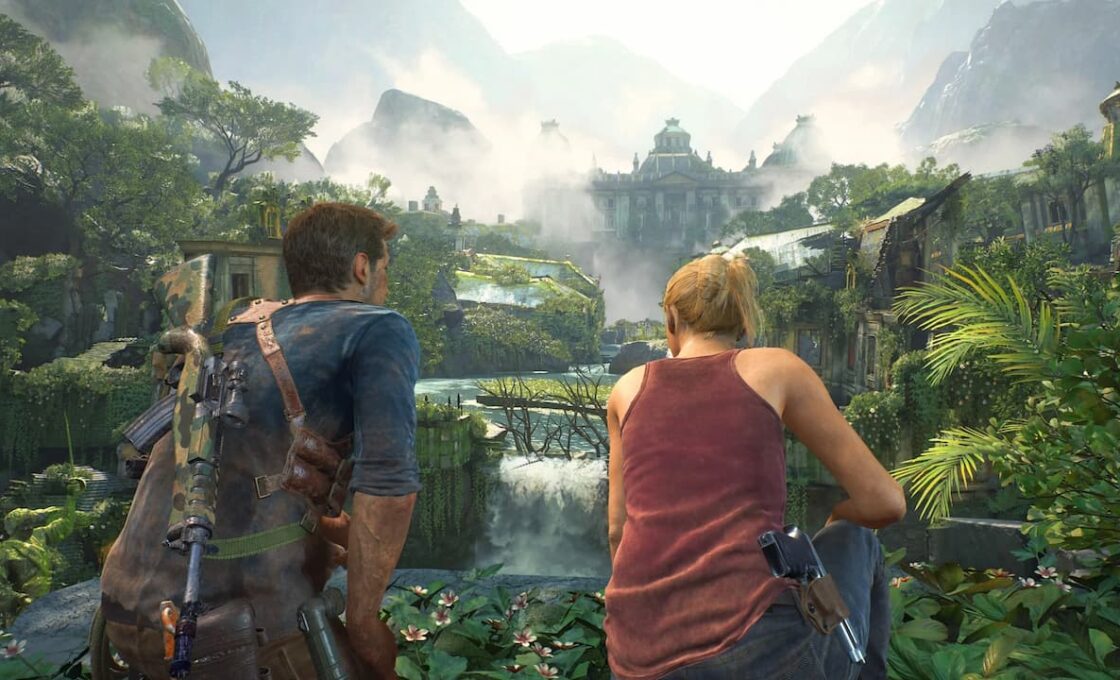
VRR syncs the display’s refresh rate to whatever frame rate the console is actually pushing out, moment to moment. That’s what reduces screen tearing without the lag you’d get from V-Sync.
PS5 uses HDMI Forum VRR, which is the standard built into HDMI 2.1, rather than AMD FreeSync. While many monitors support FreeSync over HDMI, this branding does not guarantee PS5 compatibility. The console needs the display to support HDMI Forum VRR, so always check the spec sheet.
Which HDR Specs Matter for PS5 Monitors?
HDR is on nearly every spec sheet at this point, and that’s exactly why the label doesn’t tell you much on its own. HDR400, in particular, is not bright enough and lacks the dimming zones to do anything useful with an HDR signal. Sometimes it looks flatter than just leaving HDR off. HDR600 and up, especially with decent local dimming, is where the format actually starts to look like something.
What Is a Good Input Lag for a PS5 Monitor?
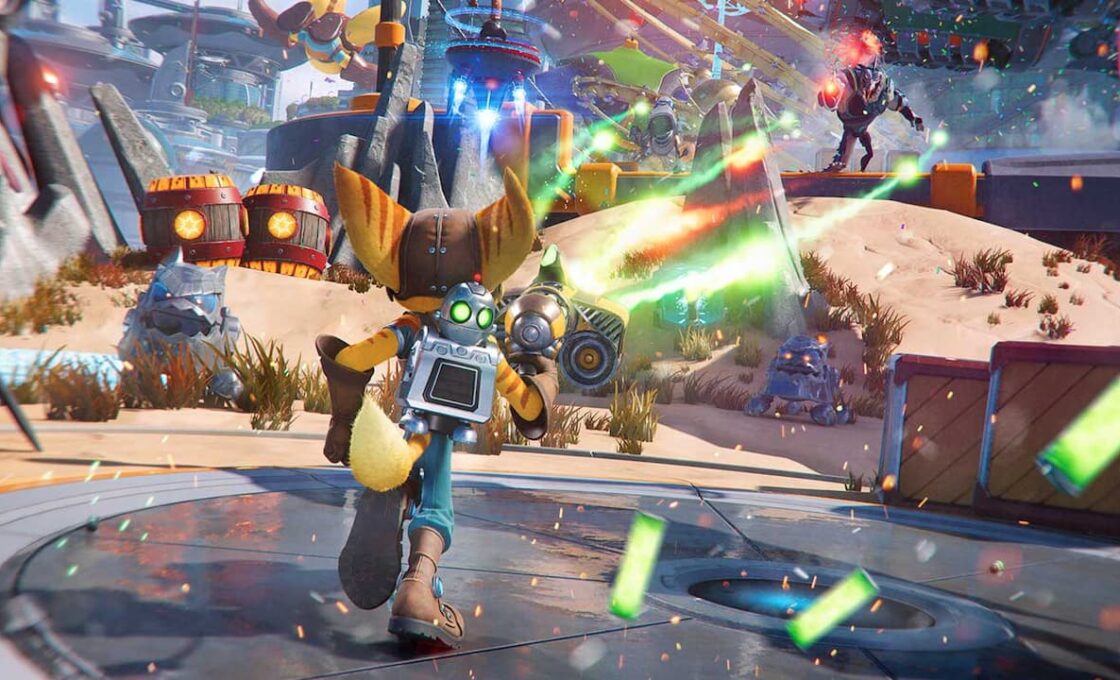
Everyone advertises response time. Nobody advertises input lag, and that’s the one that actually determines how a game feels in your hands. Anything under 10ms is solid, and you can also go into the settings and turn off motion smoothing, or any other picture processing the monitor tries to add.
Those features add a few extra milliseconds you won’t notice until you’re getting outdrawn in a competitive game. Most monitors have a dedicated “game mode” that strips this stuff out. Use it to get the most out of your PS5.
What Size Monitor Should You Look For?
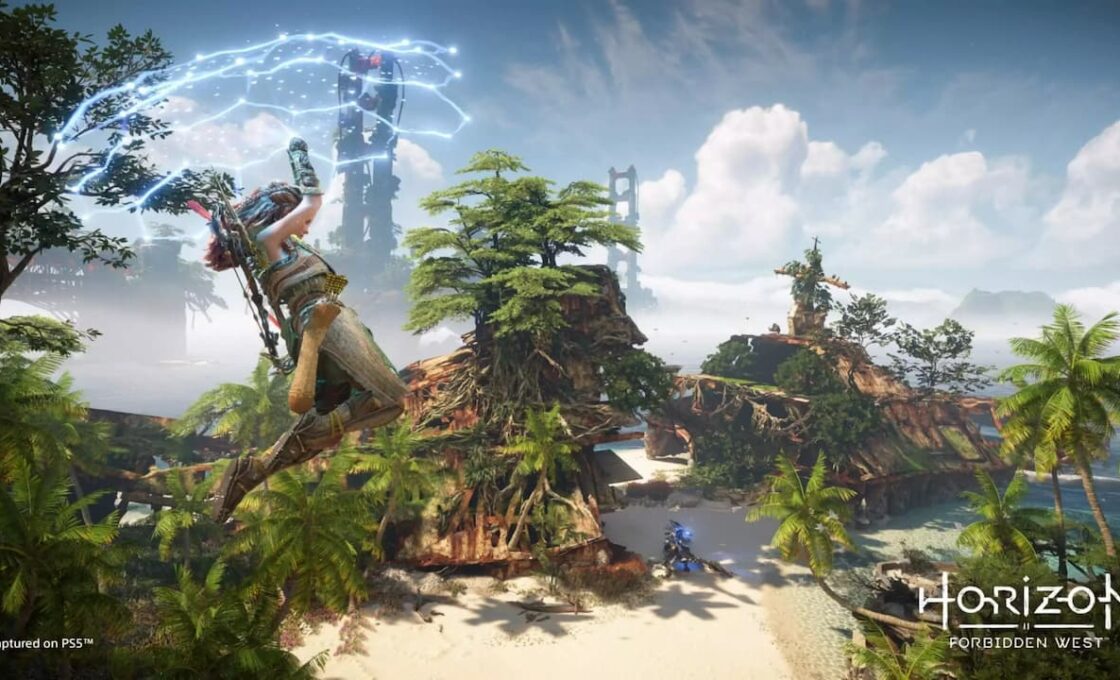
27 to 32 inches works best for a desk setup. If you go bigger, you end up having to turn your head to see the edges of the screen. If you go smaller, a 4K panel doesn’t really pay off. Deciding on a curved or a flat monitor is mostly down to personal preference. These are the perfect sizes because they have a good PPI range, meaning it will look sharp.
Having a larger screen will reduce its PPI, so you’ll have to sit further away for it to look good, making it less than ideal for desk setups. On the other hand, using a smaller screen won’t be worth it since the PS5 renders at a high resolution, so its potential will be wasted.
How Much to Spend on a PS5 Monitor?
A monitor covering every relevant spec, those being 4K, 120Hz, genuine HDMI 2.1, strong HDR, and low input lag, will cost accordingly. Only a few buyers need all of it at once, though. Choosing which specs matter most for the games you want to play is a more useful starting point than shopping by a spec sheet alone.
One option worth looking into is Sony’s INZONE line, a 27-inch gaming monitor built with the PS5 in mind, but it’s on the expensive side, costing $350. Overall, you can expect a monitor to cost anywhere from $250 to $500 depending on which specs you value the most for an optimal gaming experience.


