


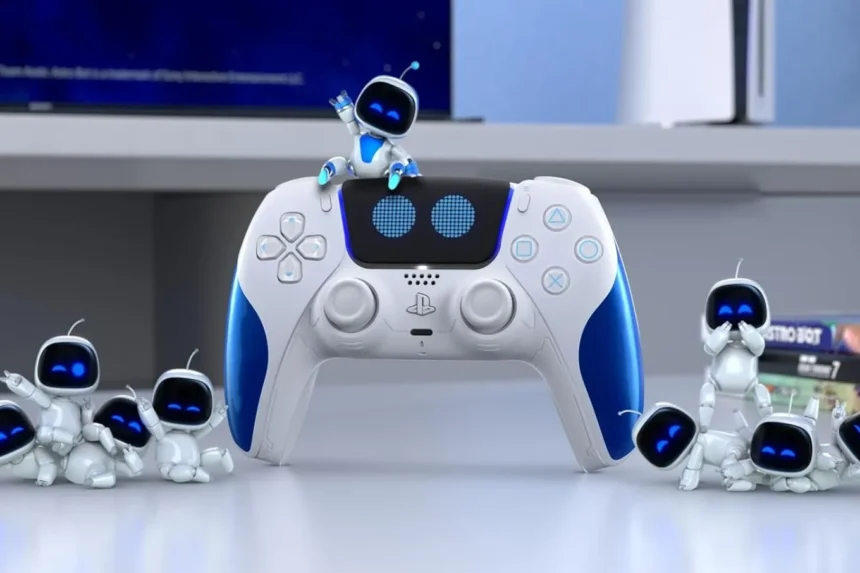
The DualSense wireless controller is the latest in a long line of PlayStation controllers. With awesome features like haptic feedback, adaptive triggers, and even a built-in mic, it makes sense that the controller needs proper charging to work properly.
In today’s bustling world, some players may not have the time to keep their controllers charged for too long. This raises the question of how long it takes to charge a PS5 controller, and if there are any ways to increase the battery life.
How Much Charging Does a PS5 Controller Need?

Naturally, the time it takes for your PS5 controller to fully charge depends on how much charge it already has. When empty, it takes between two and three hours to fully charge a controller. The exact time depends on the power source. The ideal way to charge a PS5 controller is by using an official Sony USB-C cable and charging it with the console itself to ensure there’s no potential hardware or power issue.
Of course, there’s no need to charge the controller completely if you want to use it. On the contrary, just charging it for a quick ten or fifteen minutes is enough to play wirelessly for about an hour and a half. This much should be more than enough to last someone a decently long gaming session.
To see whether your PS5 controller is charging, ensure the light bar on it is slowly blinking orange. The light turns off completely when the charging is complete. Players can also turn the controller on and use it while it’s wired, which will passively charge the controller as well, though it’ll take longer for the charging to be completed.
How Can You Make Your PS5 Controller’s Charge Last Longer?
A good way to extend the battery life of your PS5 controller is by disabling or reducing certain settings. These include the haptic feedback, which players can lower to reduce the rumbling effect but prolong their controller’s battery life, the adaptive triggers, and speaker volumes.
The LED brightness can also be reduced from the in-game settings to lessen the load it takes on the controller. Additionally, it may be a good idea to add a power-saving option that has the controller automatically turn off after a short period of inactivity. After all, if the controller is off and not using any charge when you aren’t using it, then you’ll be able to use it for longer when you actually sit down to game.


