


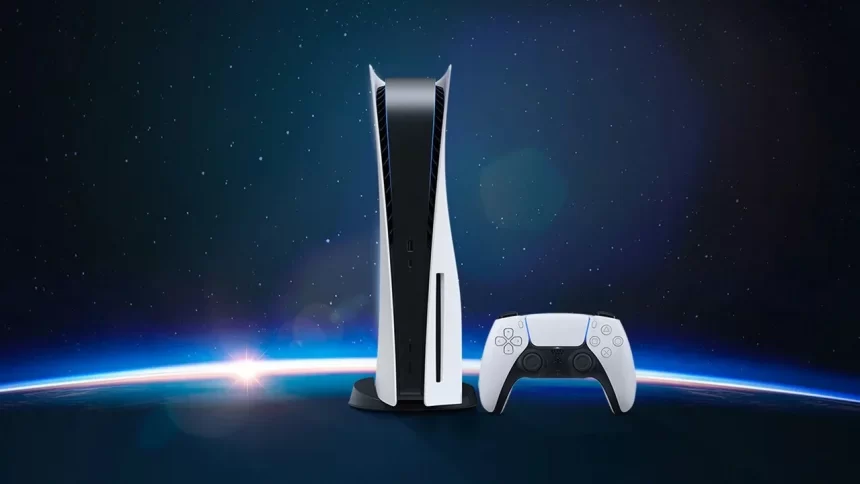
Gone are the days when players were only confined to playing with and against those in the same room. With online play being so common, it makes sense that more and more players utilize the internet to play with players worldwide.
However, it’s crucial to have a good internet connection if you want to play without any interruptions on your PS5. Here’s what a good connection for playing on the PS5 is, and how you can potentially bump up your internet performance.
What Internet Connection Should You Have for the PS5?

A good internet connection for the PlayStation 5 primarily depends on two factors. The first factor is the download speed, which determines the overall latency and amount of lag. As a good rule of thumb, it’s usually a good idea to have a download speed of 20 Mbps or more, though this is primarily for casual online games.
Those who play competitive online games should aim for the 100 Mbps mark as a minimum. Since quick reaction time in games like Call of Duty and Fortnite can determine whether someone wins an encounter or loses, aiming for this speed should help ensure a seamless experience.
Next, there’s the upload speed. This speed isn’t nearly as important as your download speed and should be fast enough to ensure there aren’t any hurdles when you’re playing. For this, 3-5 Mbps or higher should be good enough. Of course, the higher you can go, the better the experience should be.
It’s important to remember that there’s more to just having fast internet, especially if you want to play competitive games on your PS5. Your internet must also be stable, since major drops in internet speed can negatively affect your experience. It’s usually a good idea to use an Ethernet cable for this, since a wifi connection can get unreliable in many cases, especially if the router is far from the console.
How Can You Increase Your Internet Speed On the PS5?
The good news is that there are a handful of ways you can potentially bump up your internet speed and make it more reliable. These ways include:
- Ensuring as few devices as possible are connected to your internet
- Using a reliable DNS address, whether it’s Google’s DNS or some other
- Ensure you aren’t downloading anything on your PS5 or any other device
- If your device supports it, make it prioritize traffic from your PlayStation 5 above every other device
All of this, plus using an Ethernet cable, should help you see a noticeable improvement in your internet connection.


